
Website Updates > 2026 Q4 Updates > Flare: Free Text Alerts for New Website Leads
Meet Flare: Get a Text Alert Every Time a New Lead Comes In

You are halfway through a paint correction, your phone is in your pocket, and somewhere a customer just filled out a quote request for ceramic coating on your website. The email notification landed in your inbox, but your inbox also has supplier invoices, promo emails, and a dozen other things fighting for your attention. By the time you see that lead, the customer may have already called the next shop on their list.
That is exactly the problem Flare was built to help with.
Flare is a new,
free, optional feature for Detailers Roadmap partners that sends a text message to your phone whenever a form is submitted on your website. You still get your normal email notification. Flare simply gives you a second, more noticeable heads-up so you can see new inquiries sooner.
Table of Contents Quick Jump
What is Flare?
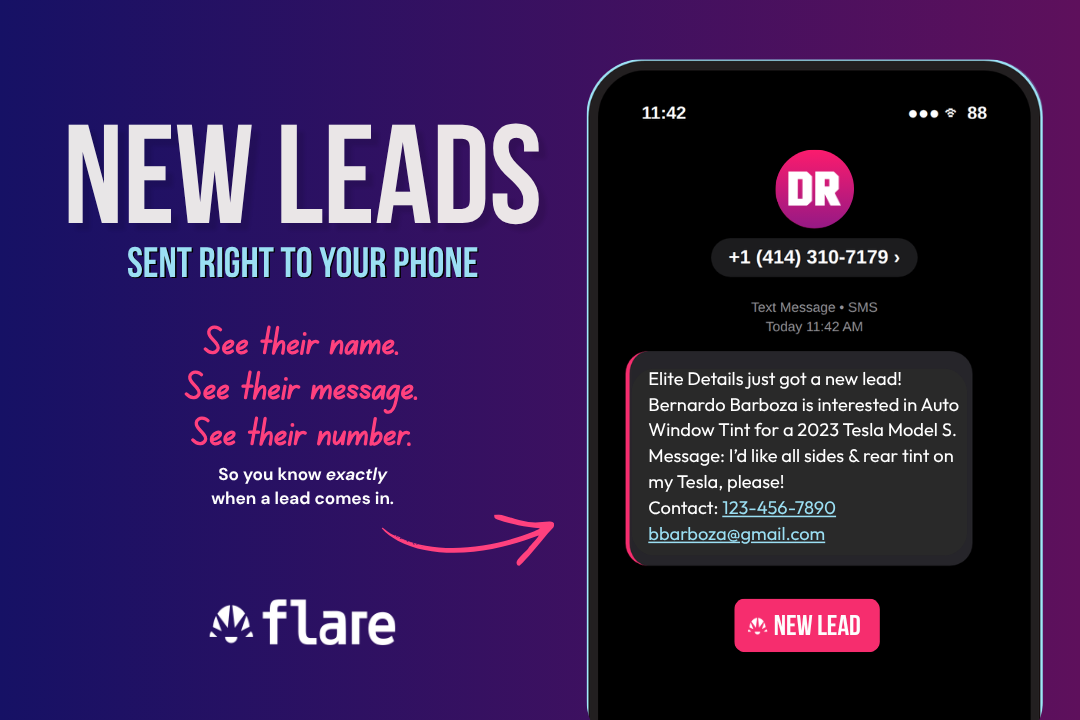
Example of Flare Notification Sent To Your Phone Number
Flare is an SMS alert system for your Detailers Roadmap website. Every time someone submits a form on your site, like a quote request or contact form, Flare sends a text message to your phone with the details of that new lead.
A quick Snapshot
Here is the quick facts you need to know about Flare:
- It is free. Flare is available to every Detailers Roadmap partner at no cost.
- It is optional. Nothing changes on your website unless you ask for Flare to be added.
- It works alongside email. Flare is an extra alert, not a replacement for the email notifications you already receive.
- It is easy to request. One comment on your website is all it takes to get started.
How Flare Works With Your Existing Email Notifications
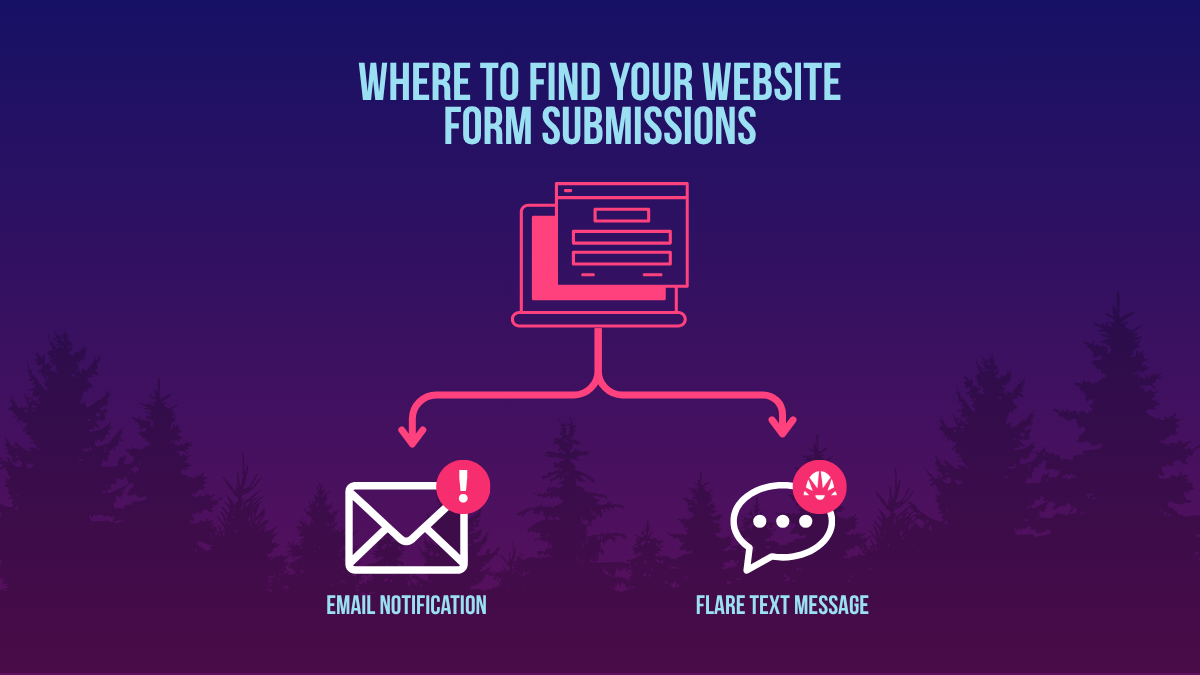
You can find form submissions in your email and—now with flare—on your phone
This is the most important point to understand: Flare does not replace your email notifications. When a form is submitted on your website, you will keep getting the same email you get today. With Flare turned on, you will also get a text message about that same submission.
Think of email as your record-keeping tool and Flare as your tap on the shoulder. Email is great for keeping a full history of inquiries you can search, forward, or file. A text message is simply harder to miss when you are in the bay, on a mobile job, or away from your desk. Using both means you get the best of each.
What a Flare Text Alert Looks Like
Flare alerts are designed to be read at a glance. A typical message tells you which business received the lead, who submitted the form, what service they are interested in, the vehicle they drive, any message they included, and how to contact them.
Message Example
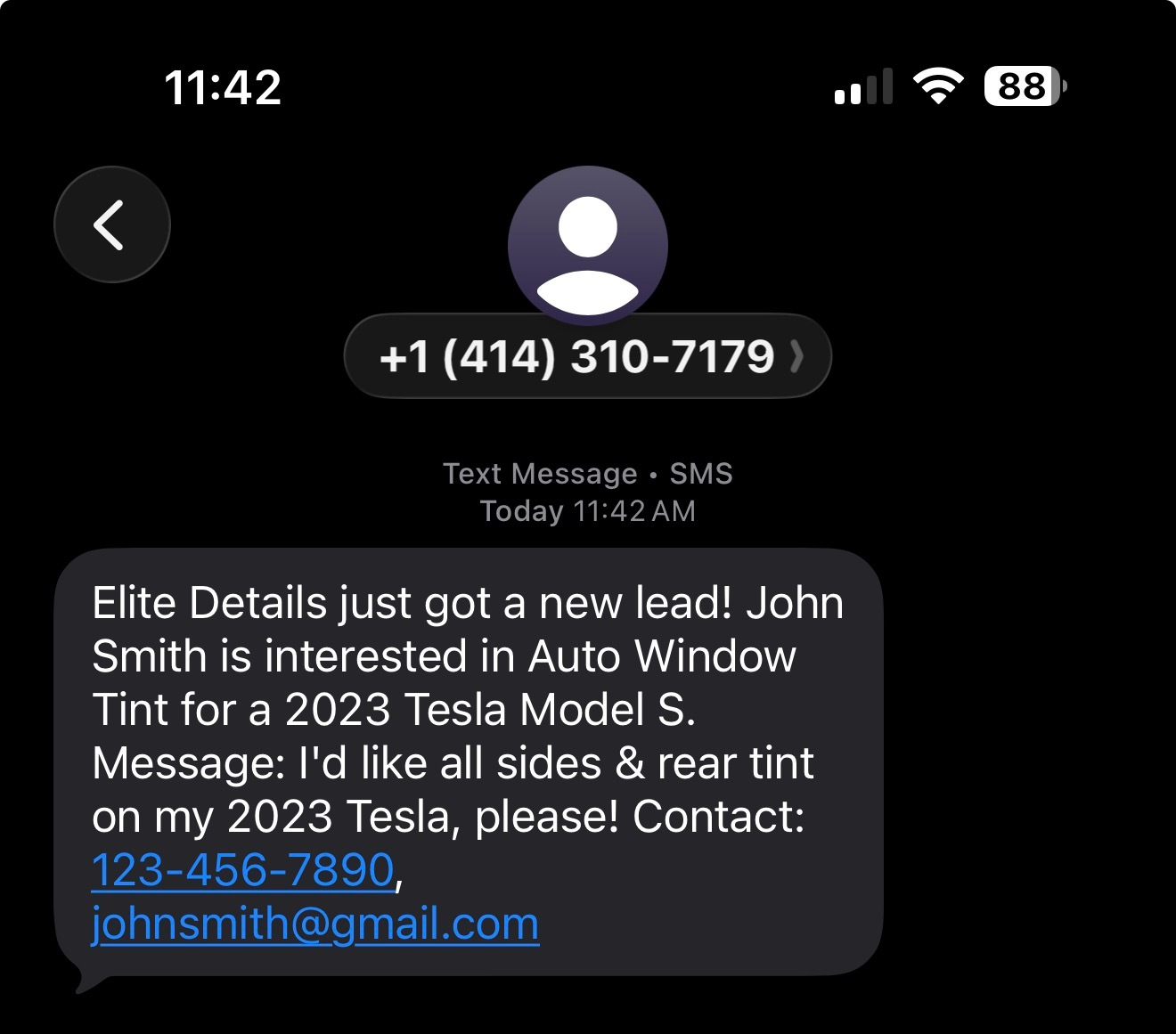
Message above reads:"Elite Details just got a new lead! John Smith is interested in Auto Window Tint for a 2023 Tesla Model S. Message: I'd like all sides & rear tint on my 2023 Tesla, please! Contact: 123-456-7890, johnsmith@gmail.com"
The details in each text come from what the customer enters on your form, so the exact information can vary from lead to lead. On most phones, the phone number and email address in the message can be tapped to start a call, text, or email right away.
Why Seeing Leads Sooner Matters
Customers shopping for tint, PPF, or ceramic coating often reach out to more than one shop. The first business to respond with a clear, helpful answer usually has the upper hand, because that customer is actively looking for help right now.

Lead Statistic From Harvard Business Review, 2011
Research backs this up. In a widely cited Harvard Business Review study on online sales leads, companies that tried to contact potential customers within an hour of an inquiry were nearly seven times as likely to have a meaningful conversation with them as companies that waited even one hour longer.
Flare cannot answer the phone for you, and it cannot promise a certain number of sales. What it can do is help new inquiries get in front of you more quickly, which gives you a better chance to follow up while that customer is still interested.
Important Things to Know Before You Turn On Flare
Know the Text Line Number
Every Flare alert will come from +1 (414) 310-7179. We recommend saving this number in your phone as a contact, something like "Flare Lead Alerts," so you recognize new lead texts immediately and they are less likely to get lost among other messages.
Do Not Reply to Flare Texts
Flare messages are notifications only.
Nobody will see replies sent to this number. To follow up with a lead, contact the customer directly using the phone number or email address included in the alert.
Privacy Disclosures will Be Added to Your Forms
As part of the installation, our team will add any necessary disclosures to your website forms, such as a privacy policy agreement checkbox, if your forms do not already have them.
You do not need to set this up yourself.
Keep an Eye on Your Email Too
Text message delivery depends on factors like your mobile carrier and cell signal, so an alert can occasionally arrive later than expected. Because your email notifications keep working as usual, your inbox remains a reliable backup and a full record of every submission.
Flare Quick Answers
Is Flare free?
Yes. Flare is available to all Detailers Roadmap partners at no cost.
Will I still get email notifications?
Yes. Flare sends a text in addition to your normal email notification.
How long does setup take?
Installation typically takes 1 to 2 business days from the time you leave your comment request.
Can I reply to the text?
No. Replies to +1 (414) 310-7179 are not monitored. Reach out to the customer directly instead.
How to Get Flare Added to Your Website
Getting Flare set up only takes a minute on your end. Follow these steps:
- Let our team know. You can do this by one of the two options below:
- Leave a comment on your site. Login to the DR portal at https://www.detailersroadmap.com/account-center and leave a comment on your website that says: "Please add Flare to my website." OR...
- Reach out to via email or text. Email
webdev@8bitcreative.com
or text our team that you would like to add Flare to your site. Please make sure to include your site name in the message.
Just say, "I would like Pathfinder added to my website." - Let our team handle the installation. Setup typically takes 1 to 2 business days from your request, and we will add any required form disclosures, like privacy policy agreement checkboxes, if they are not already in place.
- Save +1 (414) 310-7179 to your contacts. That way you can recognize your Flare alerts right away.
- Watch for your first alert. The next time a form is submitted, it will come through to your phone number. Remember to contact the customer directly rather than replying to the Flare text.
Want to see what else is new? Visit our Website Updates page for the latest features, free manufacturer pages, and optional upgrades available for your Detailers Roadmap website.